
In this guide
Choose representative locations
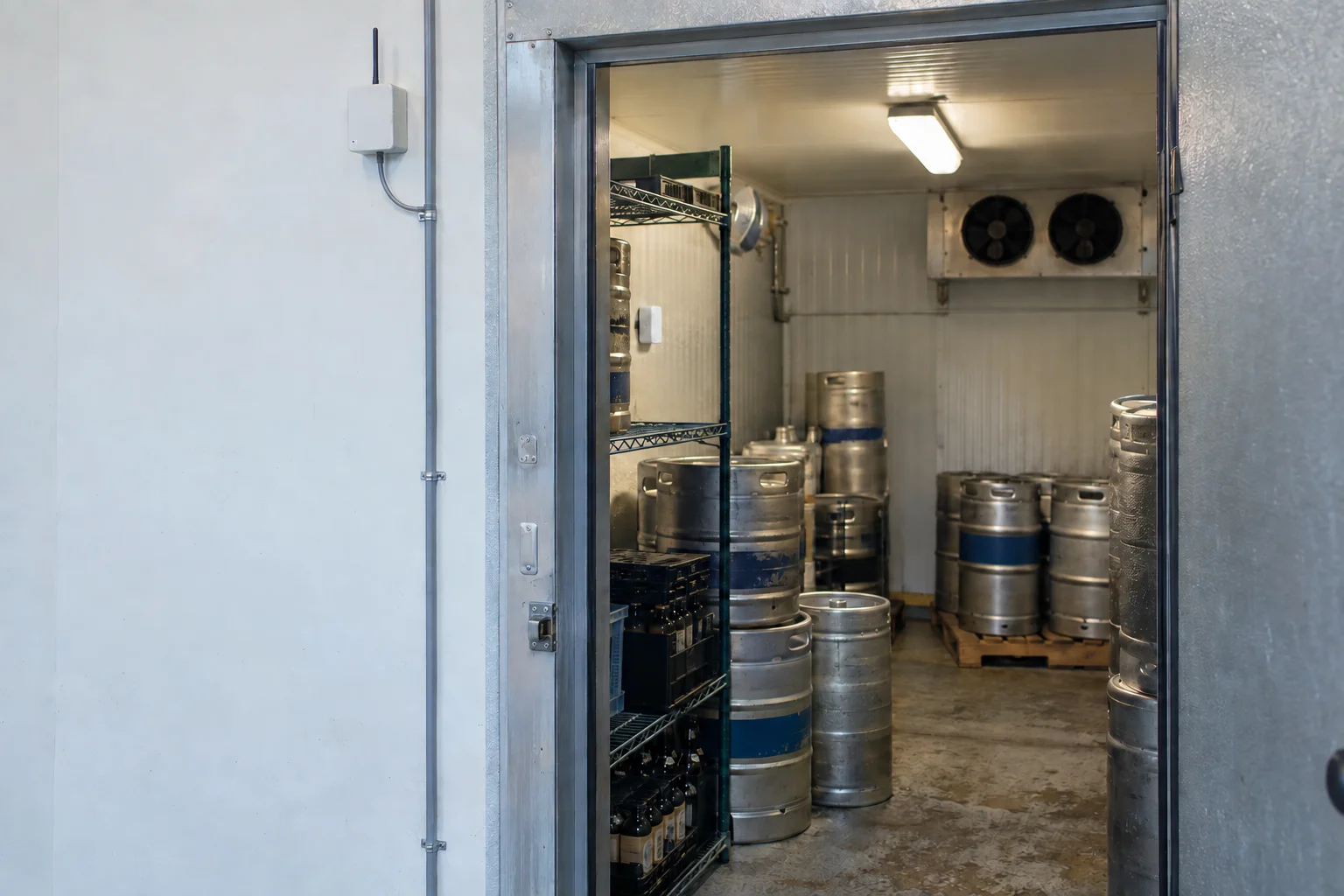
Talk through the room’s use, airflow, entrances, and equipment before mounting a sensor. A reading directly beside a source of moisture or conditioned air may not represent the whole space. Record why each location was selected.
Look at patterns before explanations
Compare readings across occupied and unoccupied periods, cleaning, and known operational changes. Keep temperature and humidity observations together where supported. The graph can help identify when a condition changes; it does not, on its own, diagnose the building or determine the cause.
Agree useful thresholds
Different spaces and stored materials have different requirements. Have the responsible facilities person establish the acceptable range and response. Avoid using a generic website number as a standard for every room. Configure notifications only after that operating requirement is clear.
Use the record for a focused investigation
When a pattern needs attention, provide the facilities professional with the location, date range, sensor details, and relevant events. Confirm the sensor is still reporting and has not been moved. Monitoring can support an investigation while leaving diagnosis and corrective work to the people qualified to perform it.
PUT IT TO WORK
Your planning checklist
- Choose and document representative locations.
- Review occupied and unoccupied patterns.
- Agree site-specific limits.
- Share context with the responsible facilities professional.
Planning archive: March 2026 topic. Written and first published September 26, 2026 as part of a retrospective collection, not published in March 2026. About the library.