
In this guide
Check the parked baseline
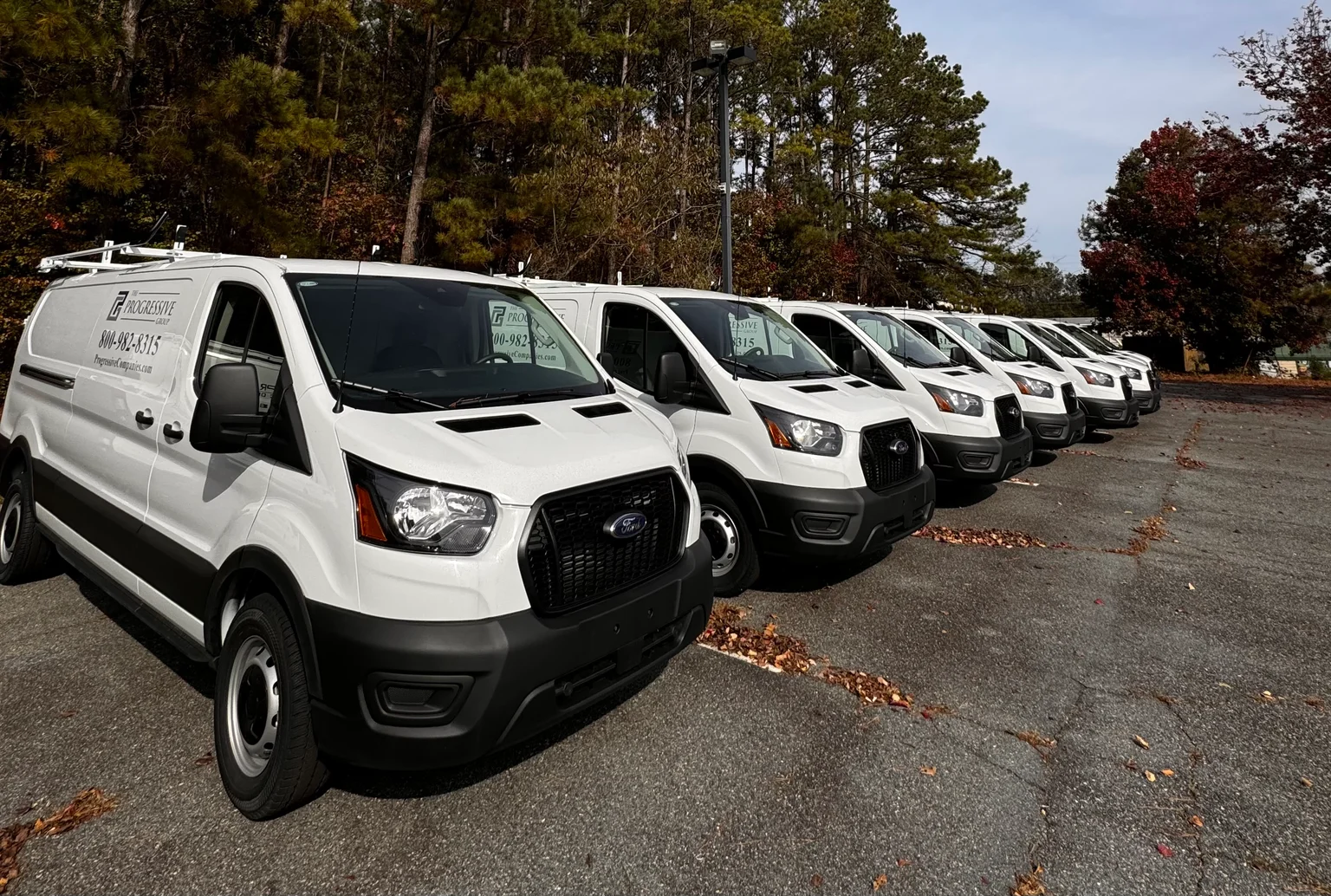
Review the last reported location of each asset while staff are still available to resolve discrepancies. Physically confirm any equipment whose report is old or ambiguous. Record which vehicles are authorized to leave during the closure so a legitimate trip does not become an unnecessary escalation.
Review device readiness
Check available battery information and the reporting configuration. A tracker that normally reports on movement may behave differently while parked; understand the expected heartbeat before interpreting silence as a fault. Resolve a low battery or installation concern before relying on the system during a long break.
Route alerts to someone available
An alert addressed to an unattended office inbox has little practical value. Confirm the primary recipient, a backup contact, and the hours each person is available. Where the platform supports escalation, test it using a planned event. Do not assume a phone’s notification settings are still allowing alerts.
Write down the response
Agree who checks whether movement is authorized, who can access the yard, and who contacts the appropriate authorities if necessary. Tracking supports visibility; it does not physically secure equipment or guarantee recovery. Keep keys, access control, and ordinary security procedures part of the plan.
PUT IT TO WORK
Your planning checklist
- Confirm all expected assets are present.
- Resolve stale reports before closing.
- Test the intended notification route.
- Give the backup responder access to the necessary information.
Planning archive: December 2023 topic. Written and first published September 26, 2026 as part of a retrospective collection, not published in December 2023. About the library.